

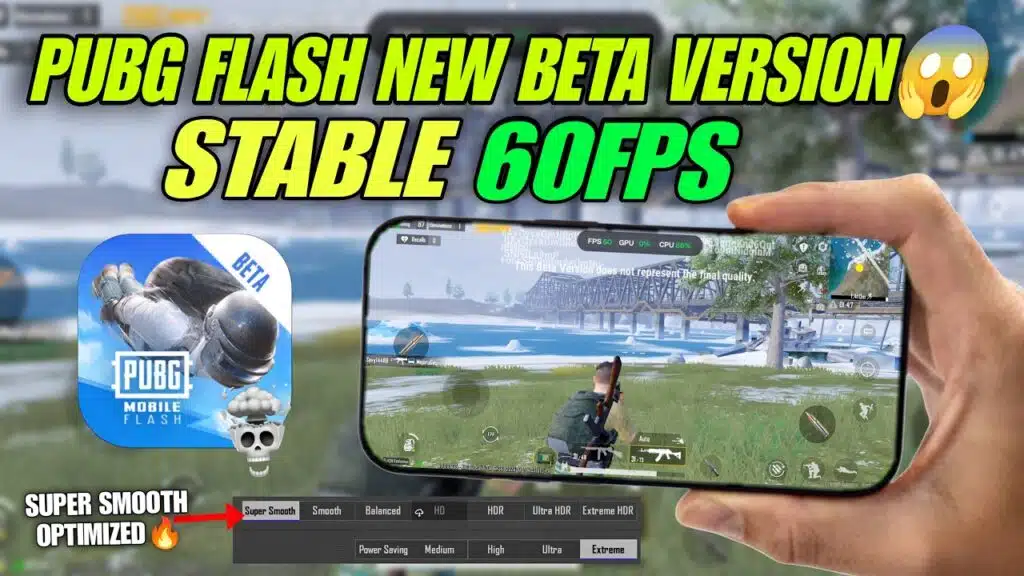
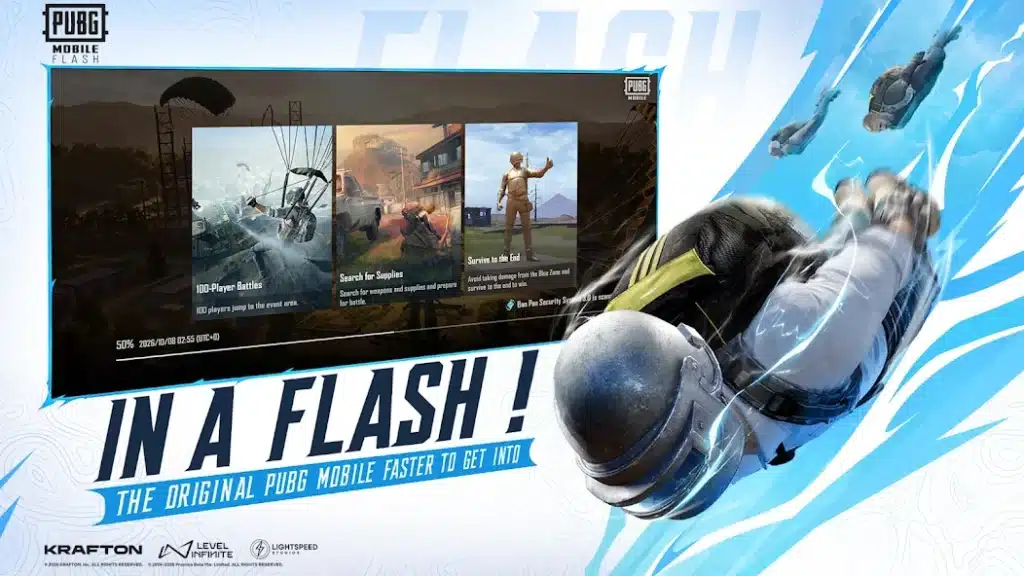
PUBG Mobile Flash (formerly known as Light) is a lightweight version of the original game, introduced for players with low-end devices, limited storage, and weaker processors. Due to the addition of new maps, outfits, and graphics, the game became so large that low-end smartphones struggled to maintain stable FPS. Its size also exceeded the available storage on these devices. To address these issues, PUBG Mobile introduced its Flash version, which supports cross-play with the original game. Here is how to download the PUBG Mobile Flash APK on your Android device.
PUBG Flash APK Release date and time
This game is currently in the registration state and beta phase; you should wait until November when the 4.7 Update will be rolled out. The official release date of this version is 12 November 2026.
Some websites like APKPure somehow got the official Flash version, which I tested and found safe and working fine. Here is how you can install it:
How to download PUBG Mobile Flash APK?
- Download and install the APKPure app store from the official website.
- Open the app, type “PUBG Mobile Flash,” and hit enter.
- Click on the download button and wait for the download to complete.
- Once finished, install the APK, then open the game and enjoy.
Note: We use the APKPure app because if you manually download the game, it will be in .xapk format, which is a little bit tricky to install. As of October, the current version in Flash is running update 4.6.
What is PUBG Flash, and why was it introduced?
It is the same original game, but the textures and content are optimized to provide stable gameplay. The core APK is just 1.2 GB, and there is no forced 1.5 GB internal graphics pack like in the original game. You only need to download 11 MB of internal components to start the game.
In the lobby, events, icons, banners, crates, graphics, maps, and other elements are optional to download, so you can choose what you need based on your mobile storage. There are no automatic pop-ups or distractions, just a character standing in the lobby. Even the outfit icons are not displayed because the developers aim to keep the game size to a minimum.
In Settings > Graphics, you will notice a special option named Flash Exclusive that automatically adjusts the game’s textures and quality according to your device. However, you also have a customized option to manually select the FPS and graphics quality.
Also Read: M416 Glacier Switch Effect is coming in PUBG Mobile
Is it worth downloading?
Yes, it is definitely worth playing the game in the Flash version. You will not notice any lag in the hot drops and combat fights. However, if you play on a high-end device that supports 60, 90, or 120 FPS, you may find the low-quality graphics difficult to enjoy because the game targets players with low-end phones.