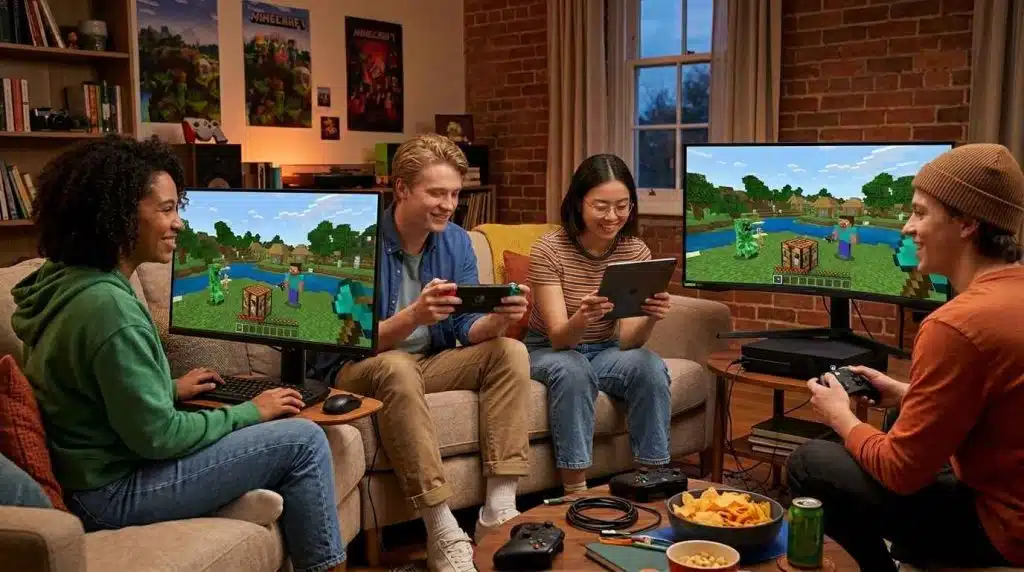
If you’ve ever tried to play Minecraft with a friend on a different device, the first question that hits you is — Is Minecraft cross platform? The short answer is yes, you can crossplay between PC, Xbox, PlayStation, Nintendo Switch, and Mobile. However, compatibility depends entirely on the game edition you are playing. While the Bedrock Edition fully supports cross-platform multiplayer across almost every device, the Java Edition is limited to PC players only. Let’s discuss the compatibility of each platform in detail and how you can play with your friend.
Key Takeaways
- Yes, Minecraft is cross platform; you can play across PC, Xbox, PlayStation, Nintendo Switch, and mobile, but only in Bedrock Edition.
- Cross-platform means players on different devices can share the same world and interact in real time.
- Java Edition remains PC-exclusive and does not support cross-play with Bedrock players.
- To crossplay in Minecraft, ensure both players use Bedrock Edition, sign in with a Microsoft account, and add friends using Xbox Gamertags.
- Progress and purchases carry over through your Microsoft Account, but survival worlds on Nintendo Switch stay on that device unless using Realms.
What Does Cross-Platform Mean in Minecraft?
In Minecraft, cross-platform means players on different devices can share the same world and play together in real time. For example, if Player A is playing on PS5 while Player 2 is playing on a phone, they can connect with Xbox Live and interact in the same world, communicate, and play together seamlessly, whether in a friend’s world, Realms, or multiplayer servers.
Is Minecraft Cross Platform?
Yes, you can cross-play the game across all devices, but only in Bedrock Edition. However, the original 2009 PC release, built in Java, was never designed for cross-platform play and remains PC-exclusive to this day. If you got confused, take a look at the table below:
| Platform | PC (Bedrock) | Xbox | PlayStation | Nintendo Switch | Mobile |
|---|---|---|---|---|---|
| PC (Bedrock) | ✔ | ✔ | ✔ | ✔ | ✔ |
| Xbox | ✔ | ✔ | ✔ | ✔ | ✔ |
| PlayStation | ✔ | ✔ | ✔ | ✔ | ✔ |
| Nintendo Switch | ✔ | ✔ | ✔ | ✔ | ✔ |
| Mobile (iOS/Android) | ✔ | ✔ | ✔ | ✔ | ✔ |
| Java Edition (PC) | ✖ | ✖ | ✖ | ✖ | ✖ |
As you can see in the table, all Bedrock Edition versions can connect and play with each other, no matter the device. But Java Edition is completely separate and doesn’t support cross-play with Bedrock players.
How to CrossPlay in Minecraft?
If both players are on the Bedrock Edition, here is how they can crossplay easily.
- Check Your Edition
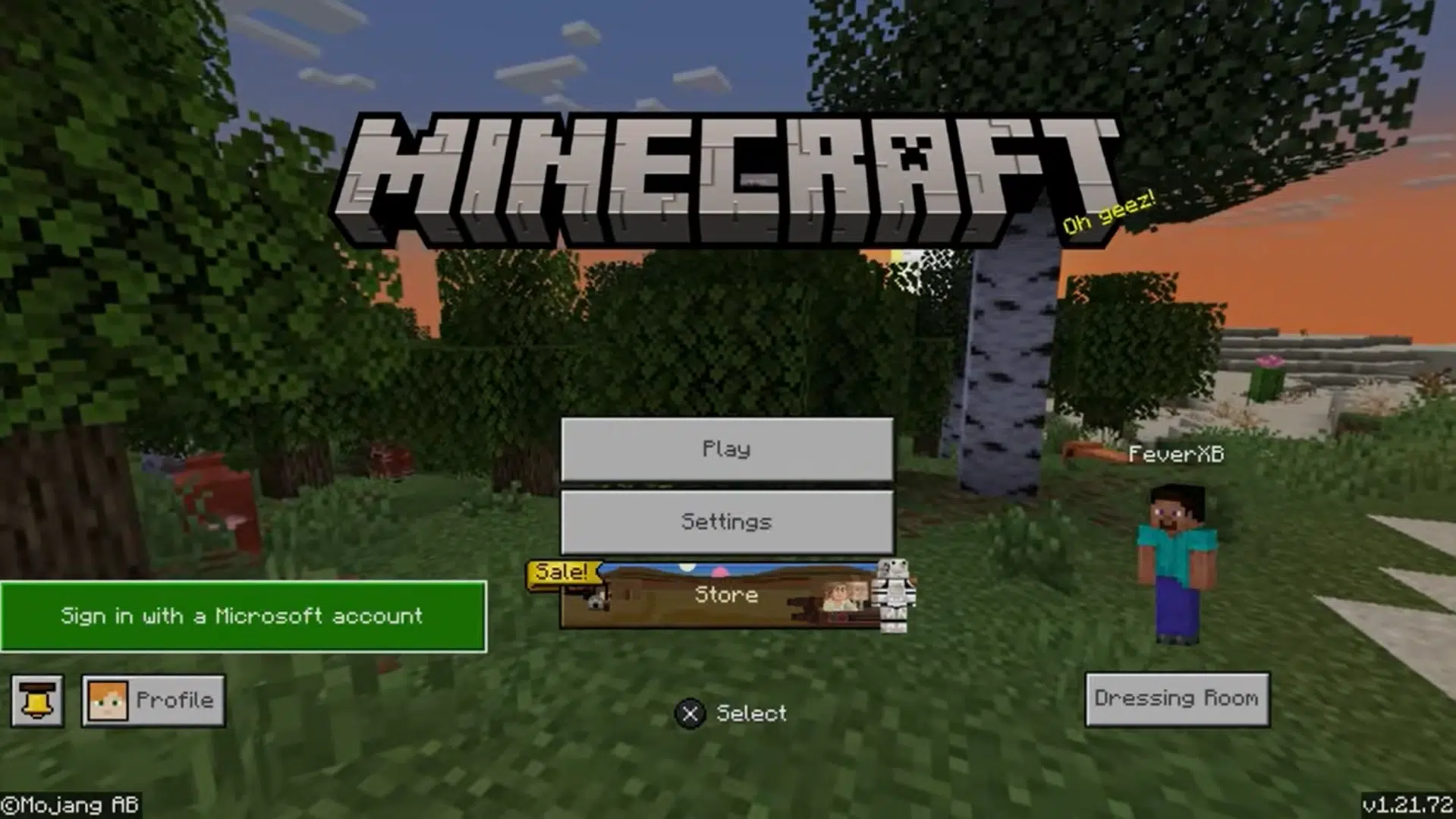
On PC, open the Minecraft Launcher. You’ll see Java and Bedrock listed separately. Pick Minecraft for Windows from the bottom left — that’s the Bedrock edition.
- Sign In With a Microsoft Account
All Bedrock platforms, including PlayStation, Xbox, and Nintendo Switch, need a Microsoft account. This account is what lets you play with friends across different devices. Without it, the cross-play system won’t work.

- Add Friends Using Xbox Gamertags
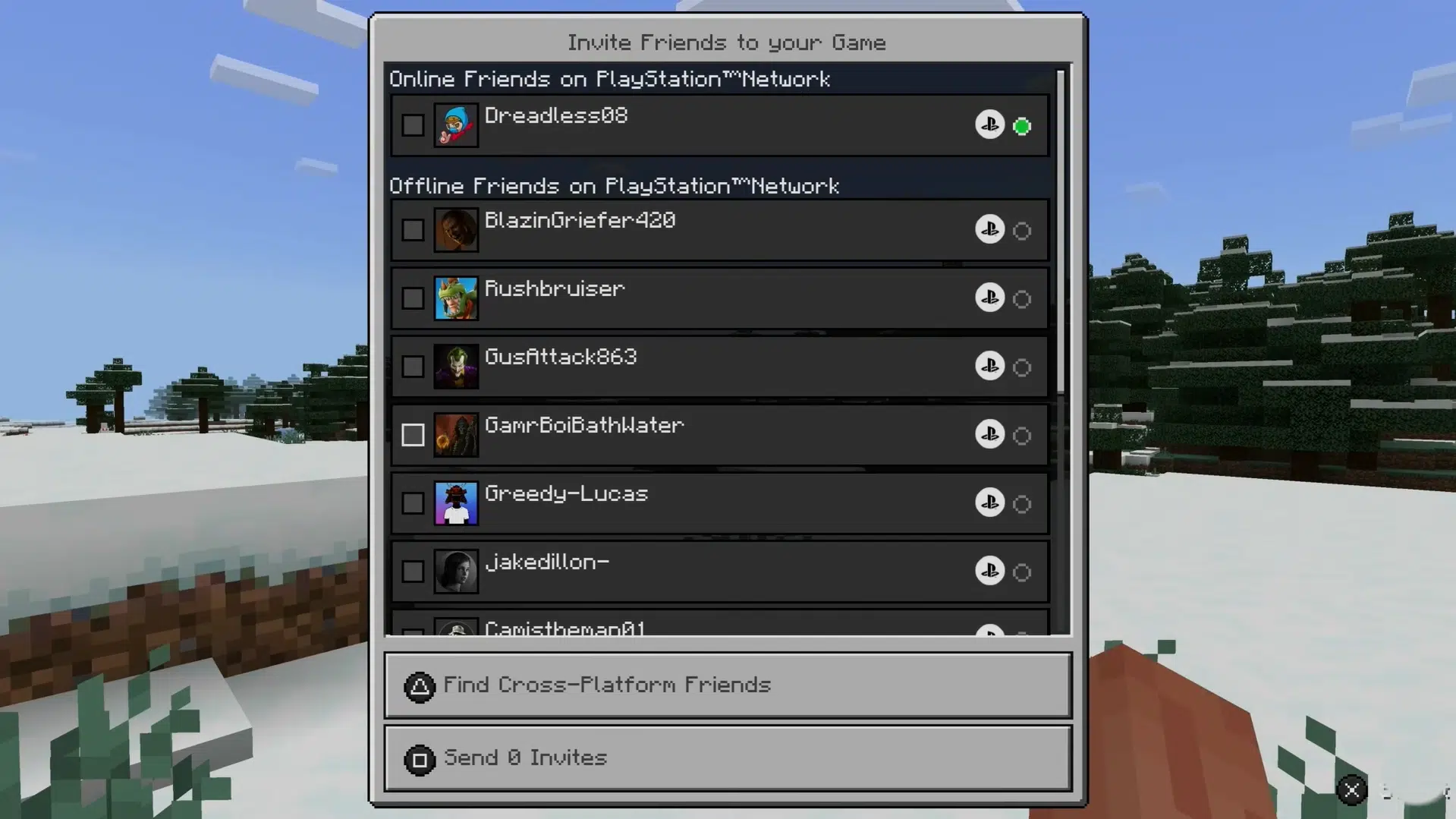
Go to the Friends tab in Minecraft (not your console or Switch friend list). Search for your friend’s Xbox Gamertag. Everyone — Switch, PS5, mobile — uses Gamertags in Minecraft. PSN IDs or Nintendo friend codes don’t work here.
- Join Their World or a Shared Server
After adding friends, you’ll see their active world in your Friends tab. Click Join World — no IP or port needed for private worlds. For larger groups, servers like CubeCraft or Mineplex work on all Bedrock devices and are fully cross-platform.
Does Progress & Purchases Carry Over?
Yes, all your progress, creativity, and purchases will be saved to the cloud through your Microsoft Account. For Example, if you purchase any Skin Pack on Xbox, then you switch to playing on your iPhone, your skin will already be there.
However, if you built a survival world on your Nintendo Switch without Realms, that world stays on the Switch. Realms is the only native way to keep a shared world accessible from multiple devices.
Common Problems & Quick Fixes
1) “Unable to Connect to World” Error
This is one of the most common cross-play problems. You can see your friend online, the invite works, but when you try to join, it just keeps loading and then fails. No clear error message shows up.
The main reason behind this is usually a mismatch in NAT types between two internet connections. Sometimes, a firewall or antivirus on the PC also blocks the connection without warning.
Quick fix: A simple trick many players use is switching the PC to a mobile hotspot for a short time. This often fixes the issue right away by avoiding NAT conflicts. For a permanent solution, allow Minecraft through your firewall and antivirus settings so it doesn’t get blocked again.
2) Platform Version Mismatches
For cross-play to work, everyone must be on the exact same Bedrock version. For example, if a player is on the old version, such as Minecraft 1.21.131, and other players are on the latest version, you will see errors like “Outdated Client” or “Outdated Server.”
Quick fix: Make sure everyone is on the same Minecraft Bedrock version before joining a game. If someone is on an older version, like 1.21.131, they just need to update their game from their platform store first, or all the other players must use the same version. Once all players are on the same version, the “Outdated Client” or “Outdated Server” error will go away.
Frequently Asked Questions
Yes, both can play together through Minecraft Bedrock Edition.
Yes, cross-play is free, but you need the paid Minecraft Bedrock game.
Yes, if the PC uses Minecraft Bedrock (Minecraft for Windows) and both are on the same version.
As of 2026, Mojang has made no announcement related to this. As both games run on entirely different code, native Java cross-play remains unlikely for the foreseeable future.
Also Check: