



The Sims 4 has maintained its reputation for over a decade, especially when it comes to building modern homes. You need to collect items, manage them, and place them in specific directions to design the best possible setup. However, most people don’t know how to rotate items or objects using the mouse or keyboard. So, in this guide, I’ll show you how to rotate them in The Sims 4.
Quick TakeAway
- Rotate objects freely or 45 degrees on PC & Consoles.
- On PC, press Period or Comma to rotate items Left & Right.
- On Xbox, Press RB to rotate right & LB to rotate left after selecting the object.
- For PS, select the object, then use R1 & L1 to rotate right and left.
How to Rotate Items in Sims 4
There are two different ways to rotate items/objects. With the first one, you can rotate anything at a 45-degree angle, e.g, right and left. In the second method, you can freely move any object. It is helpful when you want to place the item at a specific angle. Here are details of each method, learn them to become a Pro Builder.
1) Rotating Item with 45° Angle
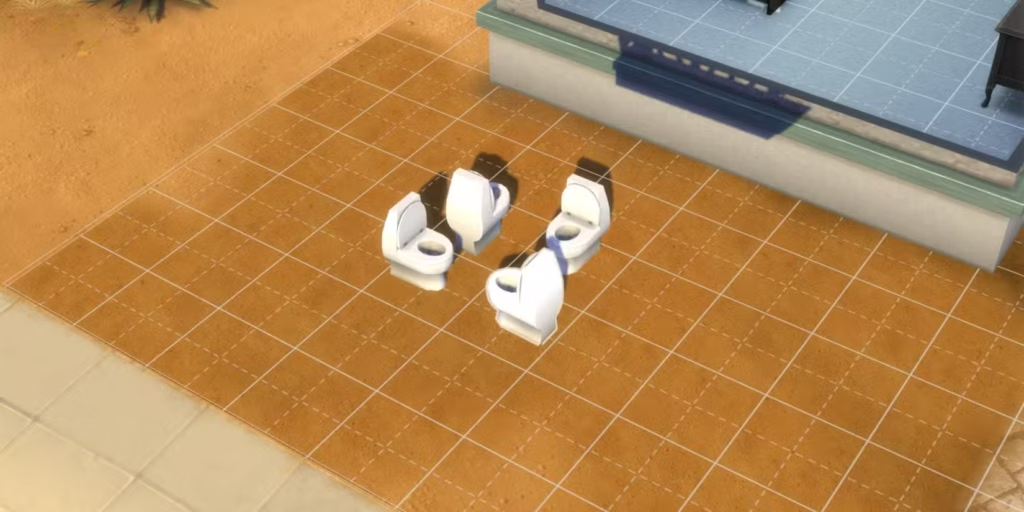
This is called locked rotation because it can rotate the item at a 45-degree angle, like right or left. It is most commonly used by those players who want some basic changes. Keep in mind that for this rotation, you must be in Build Mode and drag the item that you want to move. Here is how you can move items with a 45° Angle in The Sims 4 on PC, MAC, Xbox, and PlayStation.
PC & MAC
- Press the Comma (,) to rotate left, while the Period (.) to rotate right.
- Click and hold the object, then glide your cursor around it to pivot or adjust its angle.
Xbox
- Pick the object you want to rotate, then tap RB to rotate it right or LB to turn it left.
PlayStation
- Choose the object, then press R1 to rotate it right or R2 to spin it left.
2) Freely Rotating Item
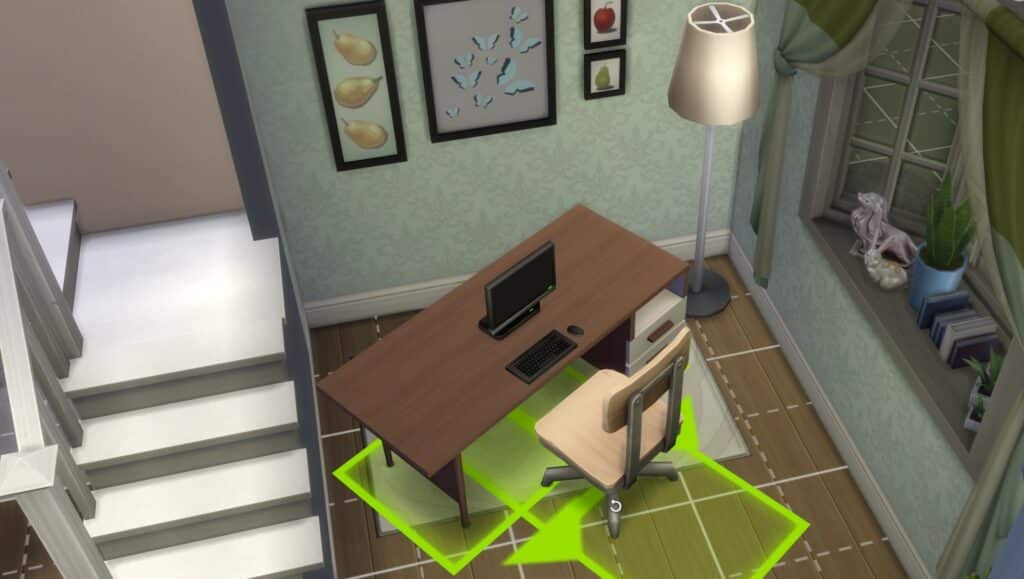
You can also freely rotate items in Sims 4. This method is convenient when you want to put them at a specific angle other than 45 degrees. It gives you full creative freedom to design more natural and realistic layouts.
PC & MAC
Click and hold the object you want to move, then press and hold the Alt key. While holding it, move your mouse around to rotate the object exactly how you want with no angle limits.
Xbox
Select your object, hold down LB + RB, and then use the right analog stick to spin it smoothly in any direction.
PlayStation
Choose the object, then hold down L1 + R1 together. Use the right analog stick to rotate it freely and place it at any custom angle.
Note: Free rotation is only available when you’re in Build Mode. You won’t be able to use this feature in Live Mode or Create-A-Sim. Once you’re in Build Mode, though, it unlocks the ability to rotate objects at any angle, giving you more creative freedom with placement and design.
Conclusion
Rotating items in The Sims 4 is simple once you know the right controls for your platform. Whether you prefer the quick 45-degree turns or want full control with free rotation, Build Mode gives you all the tools you need to customize your space exactly how you want. These rotation methods are fully supported in the latest 2025 update, and they work smoothly on both PC and consoles.
If you’re using mods like More CAS Columns or other UI-altering mods, you might experience occasional glitches with object placement. In that case, try disabling the mod or updating it to the latest version.
If you are building homes, do not forget to share your beautiful designs with us. Happy Gaming!





The solution for freely rotating on XBox is wrong! It’s LB + RB (NOT LT) +right analog stick.
Thanks, Now its correct