



Looking to download PUBG on your device but not sure if your system can run it smoothly? Here are the PUBG Mobile system requirements for Android, iOS, and PC. Before we continue, let me tell you that these are the minimum requirements to ensure the game runs on your system. However, the FPS and overall smoothness also depend on factors like temperature, processor, RAM, and storage.
What is PUBG Mobile?
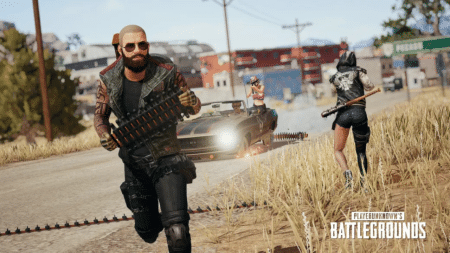
PlayerUnknown’s Battlegrounds (PUBG) Mobile is an online multiplayer battle royale game where players can join solo, in a duo, or as a squad to fight enemies and survive for the Chicken Dinner. The game offers various modes like Team Deathmatch (TDM), Classic (Livik, Erangel, Nusa, etc.), and Arcade. Each mode takes a different amount of time to complete—for example, Erangel takes around 30 minutes, while Livik takes about 15 minutes. If you’re short on time, you can easily play TDM or Arcade matches.
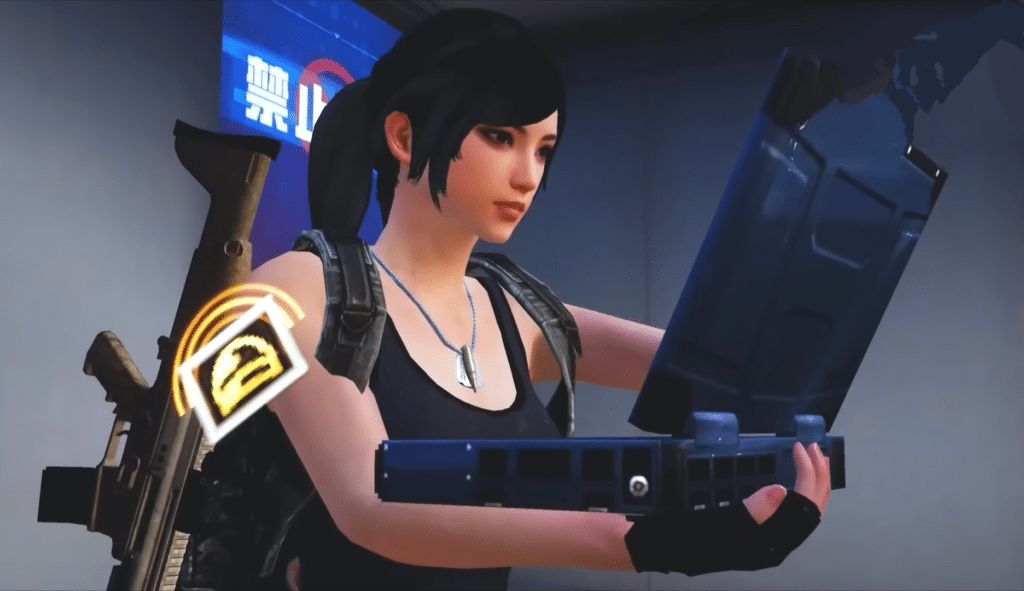
In addition, PUBG offers an in-game Royale Pass and events where you can unlock amazing mythic outfits, gun skins, and vehicles that give a luxury feel. There are also different crates like Classic, Supply, and Premium, available for a limited time, featuring fresh items and upgradable gun skins with rare outfits. You can explore even more features after downloading the game. But first, let’s take a look at the minimum and recommended system requirements.
PUBG Mobile System Requirements
Here are the system requirements for Android, iOS, and PC. The minimum requirements mean your device must meet these specs to run the game. The recommended requirements are what your device should have for a smoother and more stable gaming experience.
Android
| Category | Minimum Requirements | Recommended Requirements |
|---|---|---|
| OS | Android 5.1.1 (Lollipop) or higher | Android 10 or higher |
| RAM | 2 GB | 4 GB or more |
| CPU | Snapdragon 435 / MediaTek Helio P22 or equivalent | Snapdragon 720G, Helio G90T, or better |
| GPU | — | Adreno 618 or equivalent |
| Storage | At least 4 GB of free space | 6–10 GB free (including maps, graphics, items, and updates) |
If your device meets the minimum system requirements, I recommend keeping it cool, as this can reduce in-game lag and improve your overall experience.
iOS
| Category | Minimum Requirements | Recommended Requirements |
|---|---|---|
| Device | iPhone 6s or newer | iPhone XR or newer |
| OS | iOS 12 or higher | iOS 13 or higher |
| Storage | Minimum 4 GB free | 6 GB or more free (for additional content) |
Since iPhones can drain battery quickly, make sure your phone is fully charged before starting the game. However, if you’re thinking about playing while charging, it’s best to avoid it, as it can heat up your device and potentially cause damage or discomfort.
PC (Using Emulator)
While PUBG Mobile is a mobile game, you can also play it on a PC using Android emulators like Tencent Gaming Buddy (Gameloop), BlueStacks, or LDPlayer. Here are the system requirements for smooth emulator gameplay:
Minimum PC Requirements:
- OS: Windows 7, 8, 10, or 11 (64-bit)
- CPU: Intel Core i3 (5th Gen) or equivalent
- RAM: 4 GB
- GPU: Intel HD Graphics 4000 or equivalent
- Storage: At least 8 GB free
- Internet: Stable Internet connection
Recommended PC Requirements:
- CPU: Intel Core i5 / Ryzen 5 or better
- RAM: 16 GB or more
- GPU: NVIDIA GeForce GTX 660 / AMD Radeon HD 7850 or better
- Storage: SSD preferred, with 6–12 GB free space
- Internet: 10 Mbps or faster
If you play PUBG Mobile on a PC using an emulator, you’ll be matched with other emulator players. This is because PC users have a competitive advantage due to higher specs and better graphics performance.
Tips for Better Performance
Here are the best tips from me that will help the game run better.
- Always keep your device cool (use a cooling fan).
- Restrict background app usage to free up RAM.
- Add “No battery restriction” for PUBG.
- Switch to the high-speed Wi-Fi network.
- Always use the built-in game booster (some devices may not support it).
Final Words
PUBG developers aim to provide a smoother and fairer gaming environment. However, some players still resort to cheats and hacks, such as increasing TPP view distance or removing grass to improve performance. These actions are illegal and can result in a 10-year ban on your account. Always use legitimate methods to reduce lag—set Graphics to “Smooth” and FPS to the highest available option. Since the 3.9 update, more devices now officially support 60 FPS, as confirmed by the developers.
Frequently Asked Questions
Yes, it can run PUBG Mobile, but you will face lag.
PUBG’s base game download size is 1.2 GB, but you need to install the graphics packs and Map of at least 2-3 GB to run the game.
Yes, PUBG can run on 3GB RAM.
Gameloop (by Tencent) is optimized specifically for PUBG Mobile and offers the best performance.

1 Comment
Pubg mobile lite