



Are you a BGMI player frustrated with your recoil and aim, and looking to improve them? The main issue is often your sensitivity settings, which can cause excessive gun shake and make your aim unstable while firing. Here, you’ll find the best zero recoil BGMI sensitivity code for 2026, along with a quick guide to help you create a sensitivity setup for your device.
Active BGMI Sensitivity Code
Here are some working codes that you can directly use to replicate someone’s sensitivity.
Gyroscope Sensitivity Code:
- 1-7571-6975-7318-8081-142
- 1-7571-6777-8020-2492-494
- 1-7571-6885-3030-8497-587
- 1-7571-6868-7808-8271-334
- 1-7569-0822-3728-3468-950
Non-Gyroscope Sensitivity Code:
- 1-7569-0915-4606-9870-517
Note: These are time-sensitive codes and may reset at any time by the player. If a code is not working, let me know in the comments, and I will update it.
Also Check: PUBG Mobile Sensitivity
How to use?
- Copy the desired sensitivity code to your clipboard.
- Tap the arrow at the bottom right of the lobby screen and select Settings.
- Tap on the Sensitivity tab on the right side.
- Look for the Magnifying Glass icon (Search). It is typically located at the very bottom of the screen, often next to the “Cloud Management” or “Upload to Cloud” buttons.
- Tap the input field and paste your code.
- Tap “Preview.” The game will show the player’s name and their sensitivity setup.
- Tap the yellow “Use Layout” button to apply the settings to your account.
What Is Sensitivity and Why Is It Important?
Sensitivity controls how fast your aim moves when you swipe the screen or move your mouse. It directly affects recoil control, aim stability, and overall accuracy. If your sensitivity is too high, your aim will shake and overshoot targets. If it is too low, you will struggle to track enemies quickly. The right sensitivity helps you aim smoothly, control recoil better, and react faster during fights.
Types of Sensitivity in BGMI
There are four types of sensitivity in the game:
- Camera Sensitivity – This controls how fast your view moves when you swipe the screen.
- ADS Sensitivity – This controls screen movement while firing without a gyroscope.
- Gyroscope Sensitivity – This uses your device’s gyroscope to control aim by moving the phone instead of swiping.
- ADS Gyroscope Sensitivity – This controls recoil when firing using the gyroscope.
How to make your own Sensitivity?
Creating your own sensitivity is the most effective way to improve aim and recoil control. Sensitivity depends on your device, display size, frame rate, and playstyle, which is why copied codes often feel inconsistent. A custom setup will give you better accuracy and long-term consistency.
Start With Camera Sensitivity
Camera sensitivity controls how fast your view moves when you swipe the screen without firing.
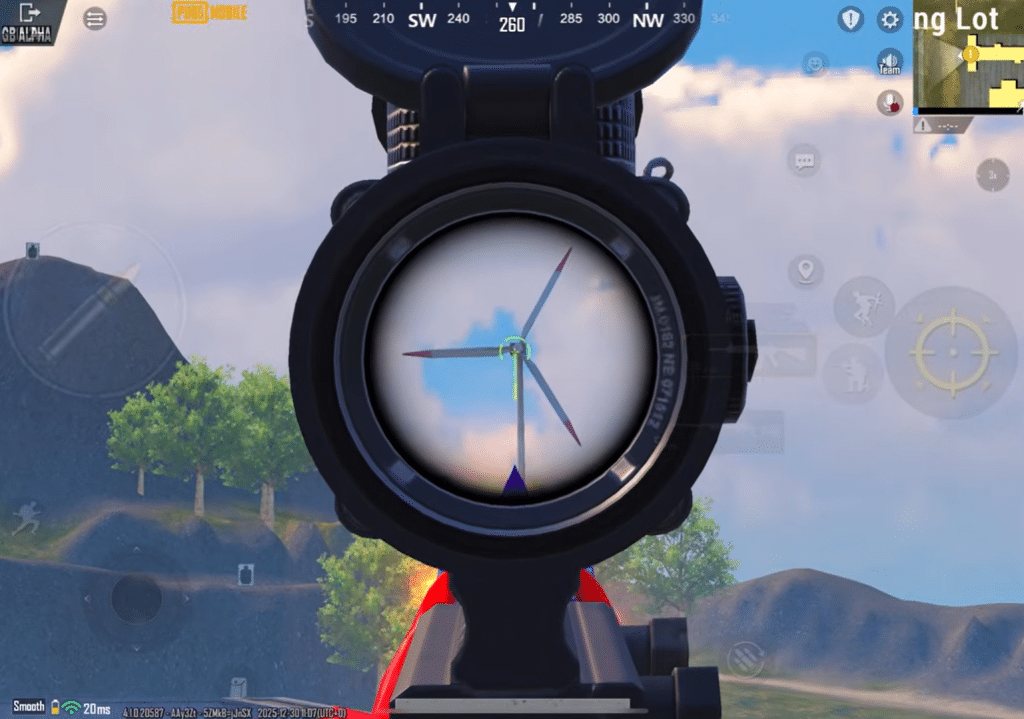
Go to the Training Grounds and equip a red dot or 3x scope. Swipe left and right while tracking a stationary target. Adjust the value until the movement feels smooth and controlled. If the aim overshoots, reduce the sensitivity. If it feels slow or heavy, increase it slightly. The goal is clean tracking without sudden jumps.
Set ADS Sensitivity
ADS sensitivity works when you swipe the screen while firing and directly affects recoil control.
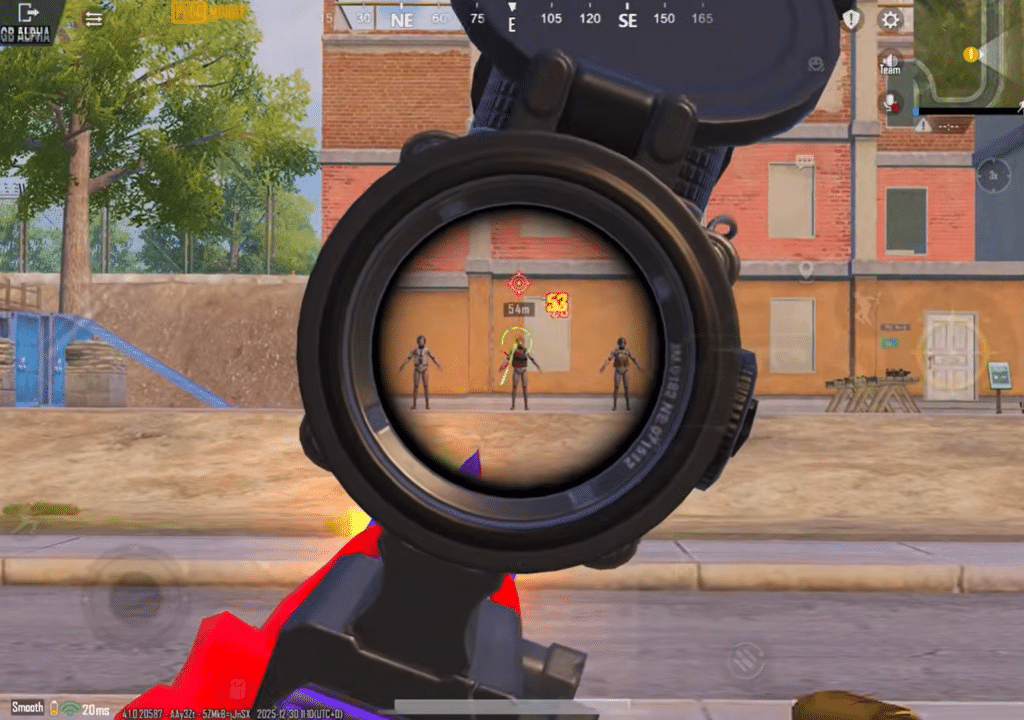
Spray on a wall using a red dot and observe the bullet pattern. If the bullets climb upward, slightly increase ADS sensitivity. If the gun shakes or pulls down too much, reduce it. A well-balanced ADS sensitivity produces a tight and mostly straight spray.
Adjust Gyroscope Sensitivity
Gyroscope sensitivity allows recoil control by tilting the device instead of swiping.
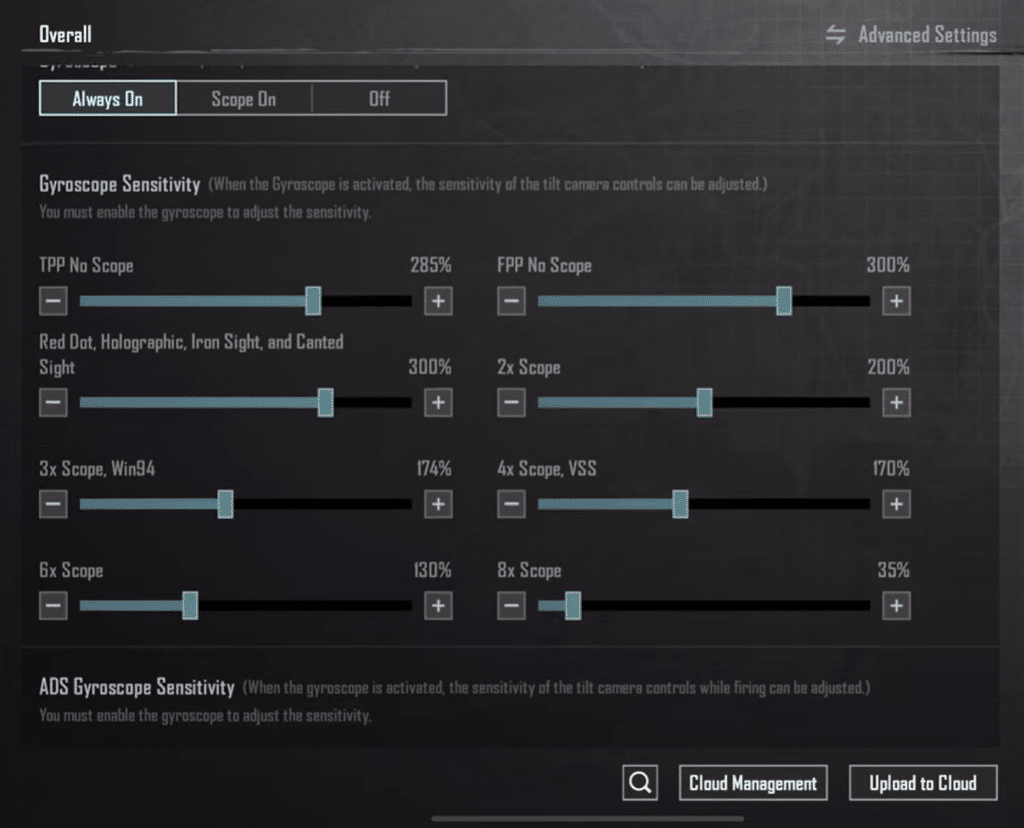
Start with low values and test using a red dot. Gradually increase the sensitivity until small movements of your device control recoil smoothly. Avoid high values, as they cause shaking and reduce accuracy, especially during close-range fights.
Fine-Tune ADS Gyroscope
ADS gyroscope activates gyro control only while firing.
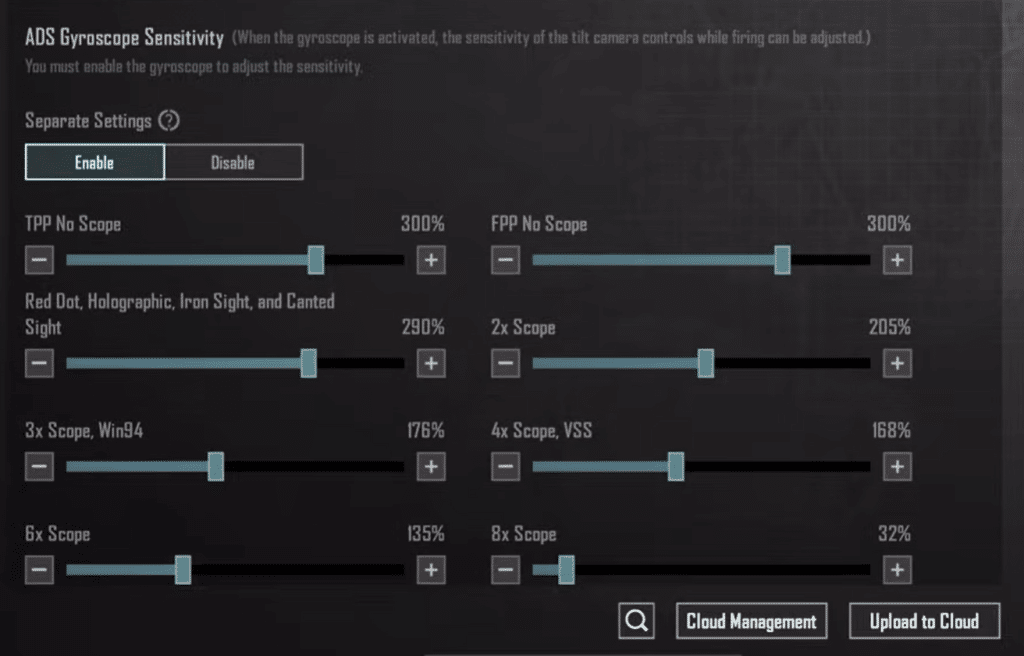
Test this with 3x and 4x scopes in training mode. Increase the value slowly until recoil feels stable and predictable. The focus should be control, not speed. Over-tuning the ADS gyro often leads to inconsistent sprays.
Test and Finalize
Play a few TDM or WOW matches to test your sensitivity in real fights. Make small adjustments only if needed. Avoid changing sensitivity frequently, as muscle memory develops only when settings remain consistent.
If you do not understand, check out the video tutorial below:
Conclusion
The recoil and bullet connectivity heavily depend on your internet, FPS, and sensitivity. If you have high ms, your recoil will be unstable, and your bullet connectivity will be affected. So, before finalizing your sensitivity setting, make sure you have a low ms (below 50); otherwise, you have to adjust it again.
Also Check: PUBG Mobile System Requirements
