



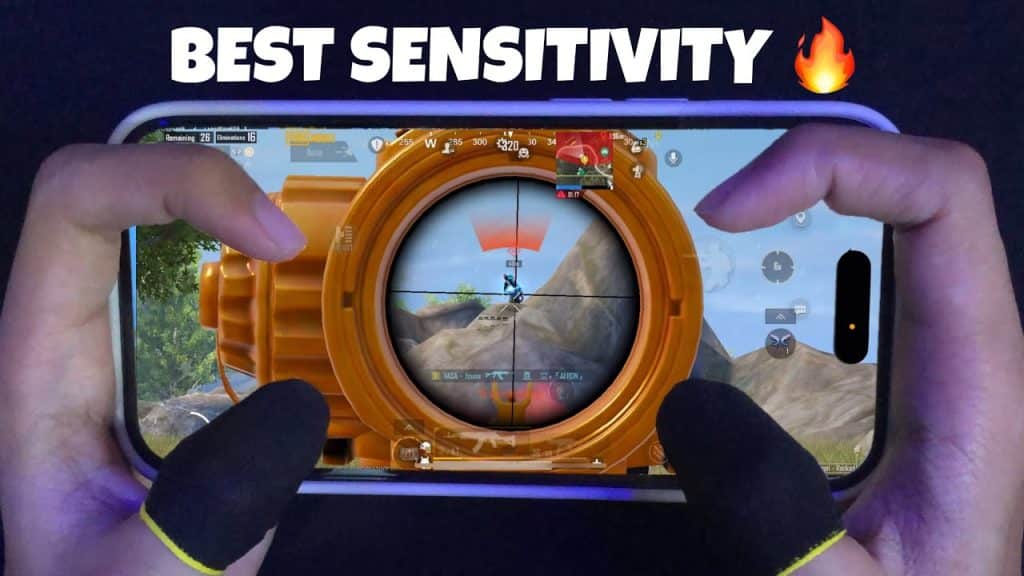
In PUBG Mobile, sensitivity is one of the most important settings you cannot ignore. If it is too high, your aim moves too fast. If it is too low, it becomes hard to lock onto enemies quickly. That is why having the right sensitivity is essential for winning both close-range and long-range fights. If you are not comfortable creating your own settings from scratch, you can use someone else’s sensitivity and fine-tune it to match your playstyle. In this article, I will share the best PUBG Mobile sensitivity code that works reliably in 2026.
What Changed in PUBG Mobile Sensitivity in 2026
After the 4.2 update, PUBG adjusted weapon damage, refined recoil patterns, and made several optimizations to reduce lag and stabilize FPS. Because of these changes, older sensitivity settings might still work on some devices, but most players will need small adjustments to maintain accuracy.
Best PUBG Mobile Sensitivity Settings
Camera Sensitivity
- TTP No Scope: 95%
- FPP No Scope: 95%
- TTP AIM: 40%
- FPP AIM: 40%
- Red Dot/Holographics/ iron sight/ Canted Sight: 71%
- 2x Scope: 80%
- 3x Scope/ Win94: 25%
- 4x Scope/ VSS: 25%
- 6x Scope: 15%
- 8x Scope: 8%
ADS Sensitivity
- TTP No Scope: 80%
- FPP No Scope: 86%
- TTP AIM: 40%
- FPP AIM: 30%
- Red Dot/Holographics/ iron sight/ Canted Sight: 55%
- 2x Scope: 40%
- 3x Scope/ Win94: 26%
- 4x Scope/ VSS: 20%
- 6x Scope: 15%
- 8x Scope: 15%
Gyroscope Sensitivity
- TTP No Scope: 400%
- FPP No Scope: 400%
- TTP AIM: 400%
- FPP AIM: 400%
- Red Dot/Holographics/ iron sight/ Canted Sight: 284%
- 2x Scope: 295%
- 3x Scope/ Win94: 156%
- 4x Scope/ VSS: 121%
- 6x Scope: 58%
- 8x Scope: 1%
Gyroscope ADS Sensitivity
- TTP No Scope: 300%
- FPP No Scope: 300%
- TTP AIM: 300%
- FPP AIM: 300%
- Red Dot/Holographics/ iron sight/ Canted Sight: 284%
- 2x Scope: 295%
- 3x Scope/ Win94: 149%
- 4x Scope/ VSS: 114%
- 6x Scope: 58%
- 8x Scope: 60%
Best Sensitivity Codes
- 1-7592-0892-4274-3341-778
- 1-7592-1041-2955-0878-482 (Advanced Sensitivity for all guns)
Notice: These codes will only work in PUBG Mobile. If you are a BGMI player, you must check out our article on the latest BGMI sensitivity code for Gyro and non-Gyro users.
How to Import and Apply the code?
- Open PUBG Mobile settings.
- Go to the Sensitivity section from the right sidebar.
- Tap on Cloud Management from the bottom.
- Paste the sensitivity code.
- Confirm and apply settings.
Note: If you are satisfied with these settings, you can upload them to the cloud to prevent loss.
After applying the new sensitivity, play the TDM, WOW, or enter training mode to check the recoil and bullet spread. Then try this in classic mode.